

Every reference a Qriib integration needs, in one guide.
Getting started, the full v4 API reference, SDK documentation, and webhooks — maintained together so what you read matches what ships.
Versions
v4 latest, v3 stable
API domains
Six
Event delivery
Webhooks
Written to get you to a working call, not just to describe endpoints.
The guide opens with a three-step quick start, then goes deep: every endpoint grouped by domain, SDK methods with examples, webhook payloads, and the runtime and authentication requirements in one place.
Get started
The shortest path from an empty project to a live room, written as three steps you can follow in order.
API reference
Every endpoint grouped by domain, with parameters, responses, and the errors each call can return.
SDK reference
Method-by-method documentation for the TypeScript and Python packages, with runnable examples.
Webhooks
The events Qriib sends your backend, their payloads, and how to receive them reliably.
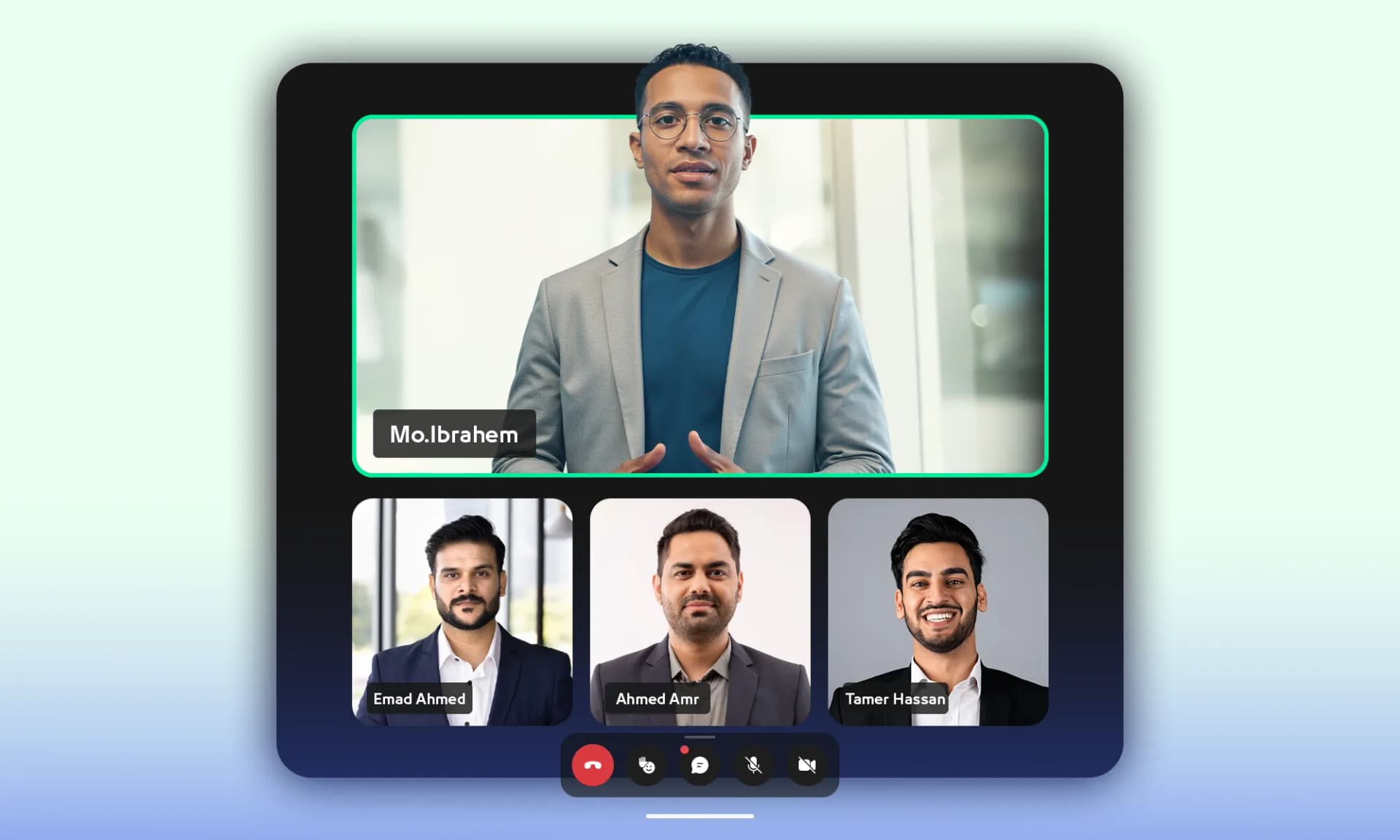
What the guide contains
Four entry points, depending on where you are in the integration.
Get started
The shortest path from an empty project to a live room, written as three steps you can follow in order.
API reference
Every endpoint grouped by domain, with parameters, responses, and the errors each call can return.
SDK reference
Method-by-method documentation for the TypeScript and Python packages, with runnable examples.
Webhooks
The events Qriib sends your backend, their payloads, and how to receive them reliably.
The quick start, in three steps
What the guide asks you to do first.
Get your API credentials
Sign up, create a project, and copy the API key and secret key from the dashboard.
Install the SDK
Pull in the official package for your language with a single command.
Create your first room
Initialise the client and open a room — the guide shows the exact call and the response you should see.
The six API domains
The reference is organised around what you are trying to do, not around internal services.
Conferencing and management
Open, control, and close rooms, and manage the projects and participants behind them.
Recording and analytics
Fetch session recordings and read the usage and attendance data behind each room.
Branding and fast endpoints
Apply your visual identity, and reach for the shortcut endpoints when a full call is more than you need.
Start reading, then start building.
The guide covers v4 as the current version, with v3 kept available for existing integrations.